Dining, takeaway & multi-mode billing
Switch between Restaurant, Dining and Take Away modes on one unified billing screen, with a live cart and running total.
 KEEN SYSTEMSGet a Quote
A Windows desktop POS built for real restaurant service: multi-kitchen KOT/BOT printing, split & hold bills, barcode and item-code search, bilingual bills, complete cash register control, staff permissions, purchasing and reporting — plus built-in pool session billing for leisure and aquatic venues.
Download AquaPOS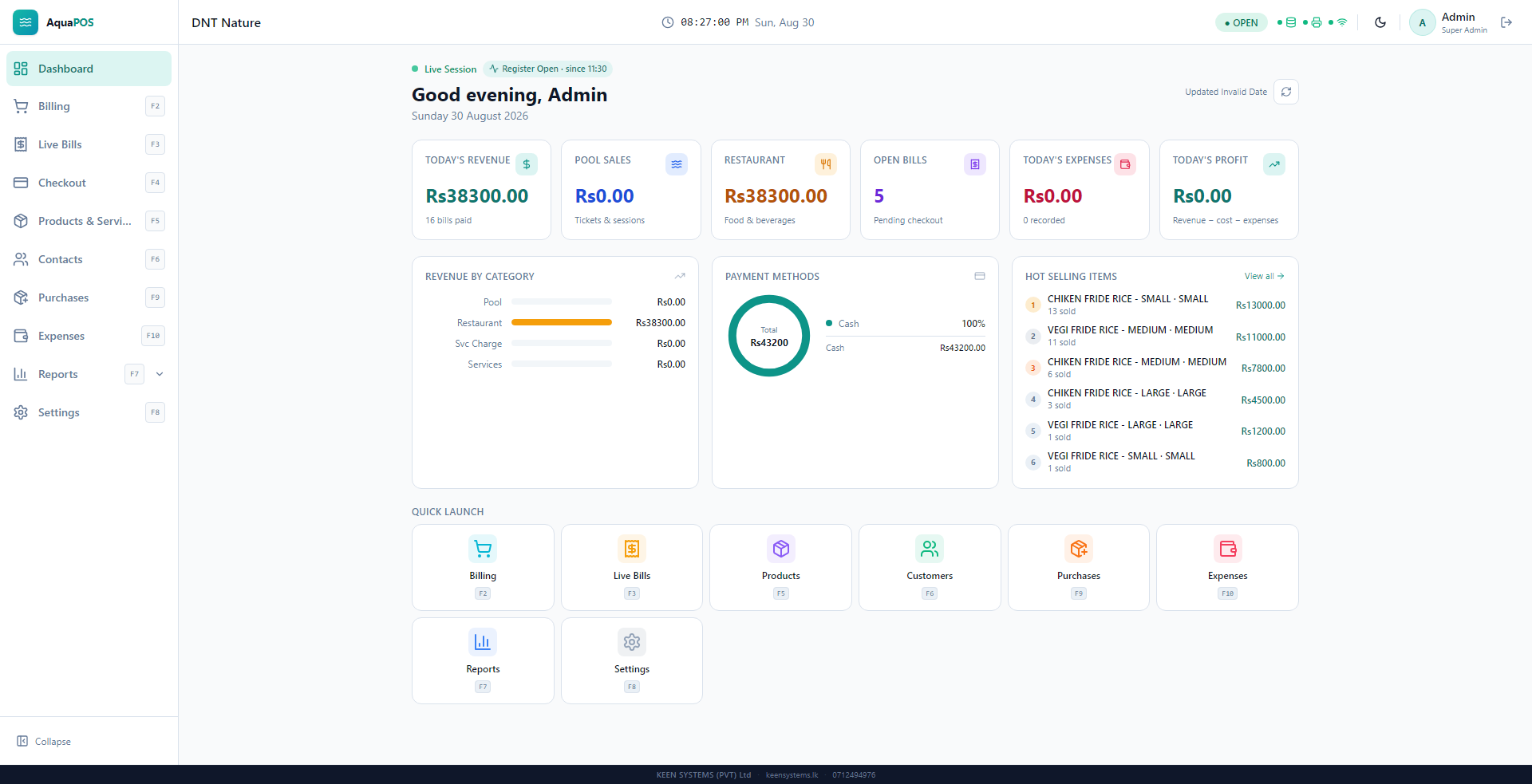
AquaPOS is a Windows desktop point-of-sale application built by Keen Systems for food and beverage businesses — restaurants, cafés and counter-service venues — with an integrated module for venues that also manage pool or leisure access, such as swimming pools, aquatic clubs and recreational facilities.
At its core, AquaPOS is a complete restaurant billing system. Staff take orders across Dining and Takeaway modes, send tickets straight to the correct kitchen or bar station, print bilingual bills, hold and split bills, and close every shift with a fully reconciled cash register. Behind the till, managers get full product, purchase, staff and reporting control — everything a real front-of-house and back-office team needs, in one offline-capable desktop application.
For venues that also run a pool, the same system adds hourly and slot pricing, adult and child tickets, and team packages that can bundle in restaurant items — so a single bill can cover a pool session and a meal without switching software.
Switch between Restaurant, Dining and Take Away modes on one unified billing screen, with a live cart and running total.
Find any product instantly by scanning a barcode or typing its item code — no digging through category menus during a rush.
Split one order into two separate bills in a click, so shared tables and groups can pay separately without re-entering items.
Hold an in-progress order and jump straight to another — held bills stay listed with a live count until a cashier resumes or clears them.
Turn a restaurant service charge on or off, set its percentage, choose whether it prints on the receipt, and override it per bill when needed.
Print customer bills in English or Sinhala per bill, each item shown in its own translated name, while kitchen tickets follow your configured system language.


Set up Main Kitchen, Bar, Dessert Counter or any station you need, each with its own assigned printer.
When a bill has items from more than one station, AquaPOS prints a separate KOT/BOT to each kitchen's own printer, headed with that station's name.
Only the newly added or changed items print when an order is amended, instead of reprinting the whole ticket.
Add a note to any line — "no sugar", "extra spicy" — so special requests reach the right kitchen printer.

Manage restaurant, pool and service items with size or option variants (e.g. Small / Medium / Large), each with its own price and barcode.
Record a cost price on every item and variant, feeding directly into restaurant profit reporting — revenue minus product cost minus expenses.
Organise the catalog into categories, track stock where it matters, and control overselling behaviour for the whole business.
Record purchases against suppliers to restock items, with a running, filterable purchase history by supplier, status and payment method.


Open a register with a starting float, add or remove cash mid-shift, and close with an expected-vs-actual reconciliation.
AquaPOS calculates the exact expected cash in the drawer from the opening float and cash sales, and flags any variance immediately.
Every past shift — date, cashier, bill count, revenue and status — stays on record, searchable by cashier or date.
Add staff with their own PIN login and one of three roles — Super Admin, Admin or Cashier — each with a clear, pre-defined scope.
Choose exactly which screens each role can see, and require a manager PIN for sensitive actions like voiding a bill, cancelling an order, or reopening a paid bill.


Set an hourly rate, slot length and grace/extra time, plus separate adult and child ticket prices.
Bundle a fixed number of people at a package price, and include restaurant items directly inside the package.
Add optional extras — towel hire, locker rental, equipment — to any pool bill.
Pool admissions and restaurant orders can be billed from the same unified screen, then reported on separately or combined.


The current AquaPOS build includes:
AquaPOS is under active development at Keen Systems. Version history will continue to be published here as new releases ship.
The download destination is managed by Keen Systems. Until the installer link is configured, this button opens the product contact request.
Talk with Keen Systems about licensing, configuration, migration, printers and staff training for your venue.
Download the configured release or contact Keen Systems for licensing and support.
AquaPOS is designed for swimming pools, aquatic clubs, leisure venues and similar operations that combine pool access, timed sessions, services and restaurant or counter sales.
Yes. The implemented restaurant workflow includes dining and takeaway modes, item categories and variants, stock tracking, configurable service charge, kitchen routing and receipt or kitchen-ticket printing.
Yes. Administrators can configure hourly rates, slot duration, grace time, adult and child tickets, team packages, included restaurant items and additional per-person charges.
The application includes sales summaries, restaurant item performance, profit and loss, register sessions, bill history and void-bill reporting, together with payment and cash-reconciliation views.
The download button is configurable by Keen Systems. While a customer installer URL is not yet assigned, it opens the AquaPOS contact request so licensing and deployment can be confirmed.
AquaPOS is a Windows desktop application with a local operational database and backup tools. Any deployment, networking or integration requirements should be confirmed with Keen Systems for the intended venue.
Yes. Bills can be printed in English or Sinhala per bill, with each item shown in its own translated name. Kitchen tickets (KOTs) print consistently in your configured system language.
A live order can be split into two separate bills for shared tables, or held and resumed later without losing it. Every staff member logs in with their own PIN under a Super Admin, Admin or Cashier role, and sensitive actions such as voiding or reopening a bill can require a manager PIN.