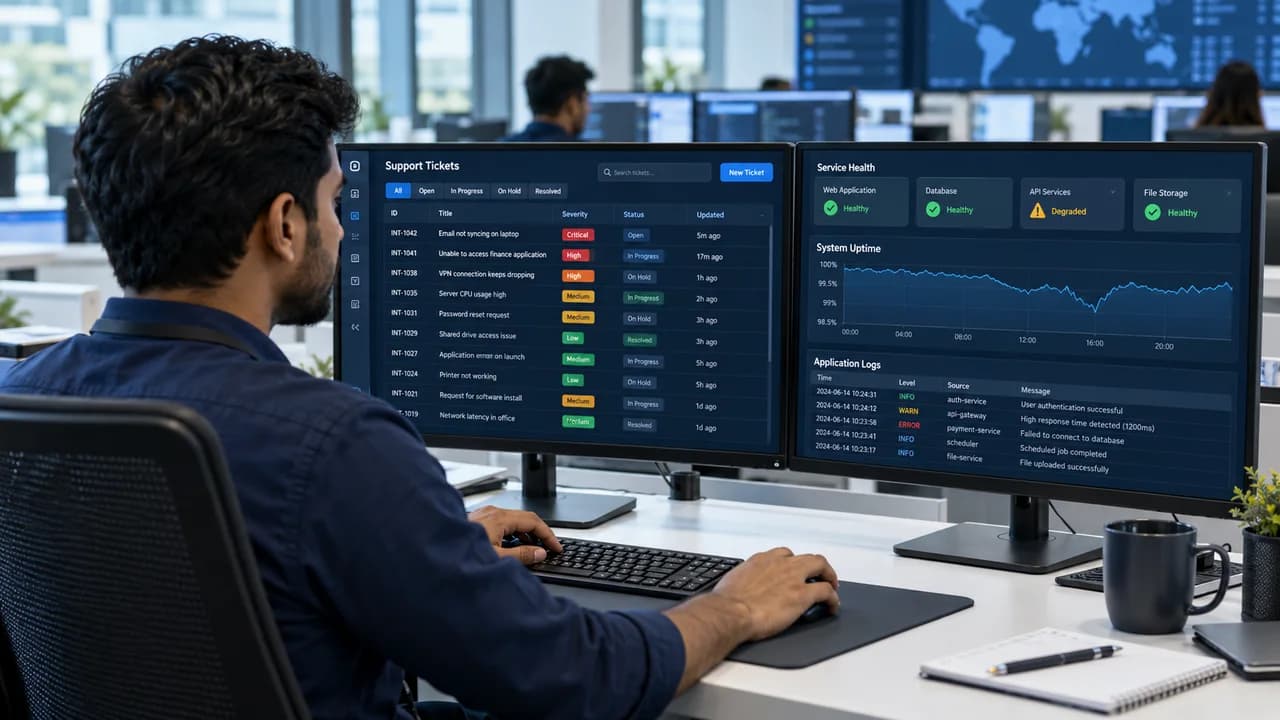
Build a custom web application with Keen Systems in Sri Lanka: customer portals, business dashboards and connected workflows designed around the way your team operates.
Illustrative view of custom application engineering
Role-aware
Access shaped around real responsibilities
Connected
APIs, records and workflows working together
Maintainable
Release, handover and ongoing support planned
Custom Web Application Development in Sri Lanka
Turn everyday work into a connected system.
A custom web application lets people complete work through a browser: submit requests, approve changes, manage records or review operations. We connect those screens to the business rules, permissions, data and integrations required for a dependable workflow.
Published portfolio scope for equipment requests, approvals, procurement tracking and budget planning. A practical example of a custom business application.
Scope, responsibilities and acceptance checks are agreed together. You review useful progress as the project takes shape.
01
Discover the operating context
Clarify the business outcome, users, current systems, constraints, risks, ownership and evidence required to call the work successful.
02
Define scope and architecture
Turn the discovery findings into boundaries, modules, interfaces, milestones, quality expectations and an implementation path.
03
Deliver in reviewable stages
Build and validate working increments so stakeholders can examine behaviour, data, usability and operational readiness before release.
04
Release with operational controls
Prepare environments, monitoring, documentation, access, rollback expectations and support ownership before production use begins.
05
Measure and improve
Use production evidence, user feedback and service indicators to prioritise improvements without losing architectural discipline.
Before you begin
The right foundations for a useful application.
What is the difference between a website and a web app?
A business website mainly presents information and helps visitors enquire. A web application lets users complete tasks with accounts, business rules and stored data, such as approving a request or managing an order. A project can combine both behind one coherent experience.
Planning considerations
The distinction affects scope: interactive business workflows require rules and data design beyond page presentation.
List who uses the system, the actions they take and which existing tools or records they depend on.
Design complete journeys with input validation, permission checks and clear success or failure states.
Treating a working dashboard screen as a complete application can leave security, reporting and exception handling unfinished.
Validate the full journey with representative users and records, including the steps taken after an error.
How is business data protected in a custom web app?
Protection starts with agreed access rules, secure authentication, server-side permission checks and validation. Data handling, logging, backups and recovery must fit the information being processed. Security requirements are reviewed for the specific application and hosting environment.
Planning considerations
A hidden button does not provide access control; the server must check whether the action is allowed.
Define staff roles, record ownership, sensitive fields, retention and which actions need an audit trail.
Apply the access rules to reads and writes, protect credentials and test cross-role access before release.
Shared accounts, excessive access and sensitive data in diagnostic logs can undermine otherwise sound application design.
Check authorised and denied scenarios, restore readiness and the traceability of important changes.
Can a web application connect to ERP, mobile apps and AI?
Yes, where the connected systems provide suitable interfaces and authorised access. A shared API can support web and mobile clients; ERP connections need ownership and reconciliation rules; AI features need approved data, evaluation and an appropriate human handover.
Planning considerations
An integration is a business handoff as well as a technical connection.
Confirm vendor API availability, rate limits, record identifiers, data permissions and responsibility for failed requests.
Use validated contracts, duplicate protection, retry handling and observable outcomes. Introduce AI against a narrow, reviewable use case.
Unavailable APIs, conflicting records or unreviewed AI output can create misleading statuses and operational mistakes.
Exercise successful, repeated and failed requests and confirm that staff can diagnose and resolve exceptions.
Built for your operating context
The technology follows the requirements.
We select the stack around content, integrations, security, maintainability and the people who will own the system.
Application experience
Interfaces are designed for the tasks, device constraints and access needs of each user role.
React
Next.js
TypeScript
Responsive UI
Business logic & data
Choose the backend and data model for the transaction rules, integrations, reporting and long-term support requirements.
Node.js
Java / Spring Boot
SQL databases
REST APIs
Release & operations
Plan environment ownership, deployment checks, backups and restore responsibilities alongside the application.
Automated tests
CI/CD
Monitoring
Recovery planning
Practical answers
Questions before starting.
Share your requirements for a proposal that makes scope, cost, timing and ongoing ownership clear.
When should a business choose a custom web app?
Consider a custom application when important workflows, permissions, integrations or reporting needs are poorly served by existing products. Discovery should compare configuration, integration and custom development so the investment matches the problem.
How much does custom web application development cost?
Pricing depends on workflow complexity, user roles, data migration, integrations, quality requirements and support scope. Keen Systems reviews those requirements before proposing milestones and a quotation. Hosting, external services and future enhancements are identified separately.
Can we begin with a smaller first version?
Yes. A first release can focus on one complete, useful workflow with the permissions, data handling and operational checks it needs. Later modules can be prioritised from user feedback without requiring every planned feature at launch.
Will the application work on mobile?
A responsive web app can work in supported mobile browsers. Offline work, background activity, device hardware and app-store distribution require explicit requirements and may justify a dedicated mobile application.
Can you connect to our existing ERP or accounting system?
Potentially, yes. We first review the vendor interfaces, access rights, record ownership and required sync direction. Integration scope includes duplicate handling, failure recovery and reconciliation rather than just sending data between screens.
Who manages the application after launch?
The proposal should define source-code and deployment access, hosting ownership, documentation, maintenance responsibilities and support expectations. Keen Systems can scope ongoing support, and handover requirements should be agreed before development begins.
Can Keen AI be part of our custom application?
Yes, a Keen AI feature can be scoped around an approved knowledge base, enquiry assistance or a staff workflow. We agree what it can access, when a person must review an action and how answers and failures will be evaluated before release.