
Built around your operation
ERP and POS for Sri Lankan supermarkets and wholesalers
Plan supermarket and wholesale ERP in Sri Lanka: offline billing, stock, buyer pricing, supplier purchases, returns and branch reconciliation.
Kaduwela, Sri Lanka · Local and remote delivery
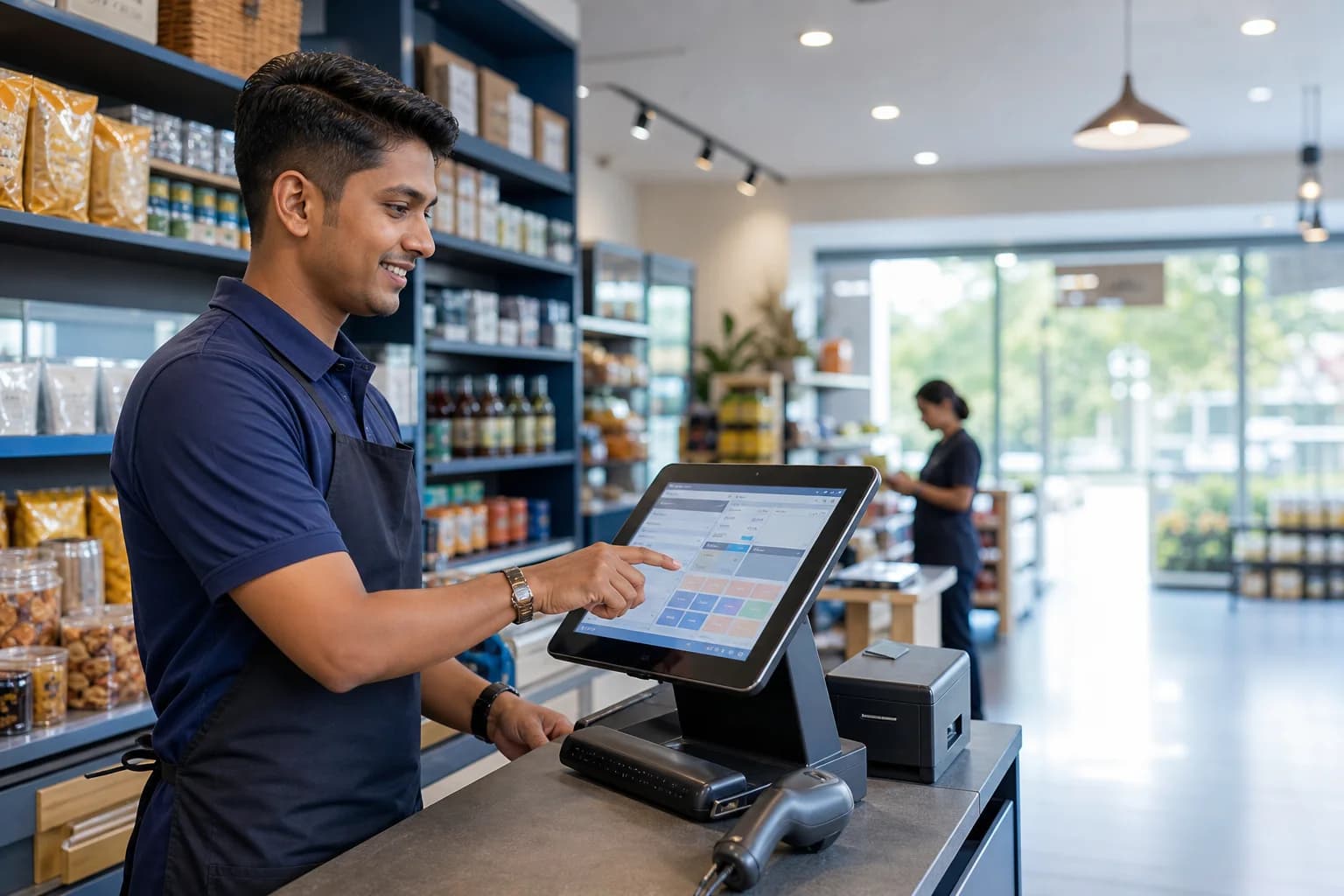
Supermarkets, food-city stores, retailers and wholesale counters
Where to begin
The till total, shelf quantity and office report should explain the same business activity.
A supermarket or wholesale ERP should connect counter sales, stock movements, purchasing, customer credit and branch reporting. Start by demonstrating your actual sale, return, receiving and day-close workflows, then agree how the POS exchanges those records with the central system.
Follow the work
A connected operating flow
- 01
Receive
Match supplier documents, quantities, units and costs before accepting incoming stock.
- 02
Sell
Find items by barcode or name, apply the permitted buyer price and record the payment.
- 03
Reconcile
Check refunds, credit collections and drawer cash as separate movements.
- 04
Replenish
Review stock and purchasing needs with branch and supplier context.
Build stock control around the units people actually trade
A supermarket may purchase a carton, count individual pieces and sell by piece or kilogram. A wholesaler may use a different selling price for an approved buyer. Those rules belong in an agreed item master, not in a cashier’s memory.
Bring examples of pack sizes, barcodes, weighed goods, damaged stock and supplier returns. Define which changes need approval and how each branch or warehouse is identified. A transfer should leave a receiving trail so the team can investigate quantities that are still in transit.
- Purchase and sales units with agreed conversion rules
- Retail and wholesale price groups with staff permissions
- Branch transfers, counts, adjustments and receiving references
Make POS and ERP integration observable
For connected counters, a completed sale should have a stable transaction reference and a clear synchronization state. Head-office stock and reports need to reflect accepted transactions, while exceptions remain visible to the people who can resolve them.
For an offline-capable deployment, agree which functions work locally and which require connectivity. Test reconnection, a repeated upload and a failed request. A green online indicator alone does not establish that every queued transaction has reached the central system.
- A sale, its payment and its stock effect can be traced together
- Returns point back to the original sale where the workflow requires it
- Pending and failed synchronization have an operational owner
Separate a sales report from a cash-drawer check
A credit sale creates a customer balance but may put no cash in the drawer. A later collection, refund or manual cash-out has a different effect. A useful close process presents these movements separately and explains a variance against counted cash.
Demonstrate mixed payments, held bills, credit limits, authorized discounts and partial returns during scoping. Agree the report definition before comparing totals; sales revenue, cash received and outstanding credit answer different management questions.
Start with one representative counter and a reconciled opening position
A practical rollout begins with clean items, named users, agreed opening stock and a sample of customer and supplier balances. Test the chosen printer and scanner at the actual counter. A busy shift is a better acceptance scenario than a demonstration using only two products.
Keen Systems’ published retail and wholesale projects provide examples of implementation work. The final modules, offline behavior, hardware and support arrangements for your business are confirmed in the proposal and acceptance plan.
Acceptance starts with the real task
What to demonstrate before rollout
0 of 8 reviewed
Use this as a discussion checklist. Ticks are kept only while this page is open.
Download the blank checklistDelivered work you can inspect
Relevant client implementations

Sahan Traders Wholesale & Retail ERP Implementation
A live Keen Systems wholesale ERP and point-of-sale implementation supporting transaction and store operations at Sahan Traders.
Read the project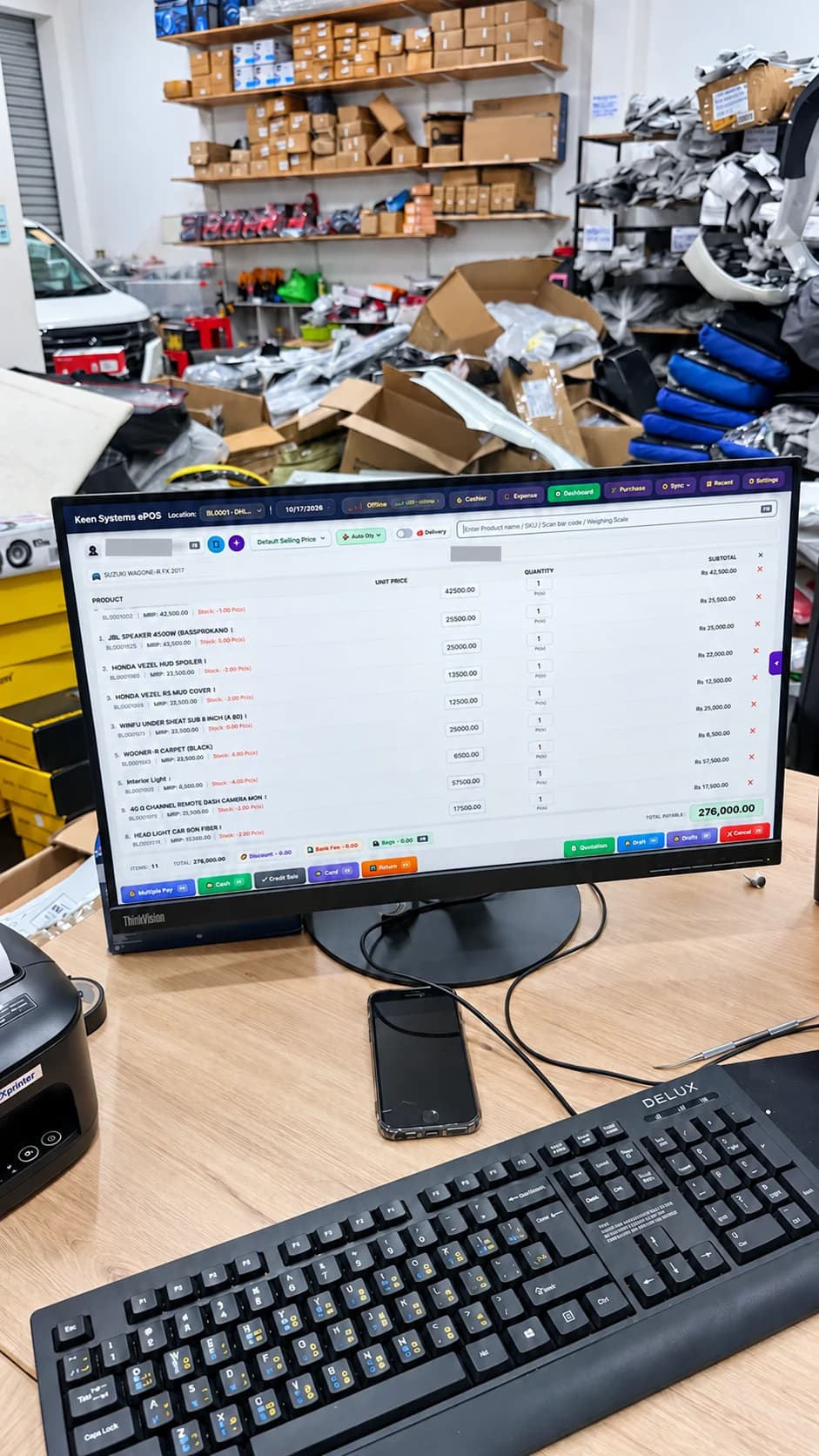
Dhanuka Car Audio Matara — Hybrid ERP
A complete Keen Systems Hybrid ERP solution tailored to Dhanuka Car Audio in Matara, bringing car audio and spare-parts sales, vehicle-aware billing, inventory, barcode label printing and a custom modern invoice design into one shop workflow.
Read the project
Dakshina Lanka Sarwasela VAT Invoicing & ERP System
A completed VAT invoicing system and ERP implementation for Dakshina Lanka Sarwasela, an office supply wholesaler in Matara.
Read the projectQuestions before the next step
Common planning questions
Can the same system support retail and wholesale buyers?
The scope can include retail and wholesale price groups, customer credit and staff permissions. Demonstrate representative buyers and product units before agreeing the configuration.
Will every feature work without internet?
Offline capability depends on the selected POS application and configuration. Billing, payments, remote stock and account checks can have different connectivity requirements; agree and test a function-by-function list.
Can existing scanners and printers be reused?
They should be assessed by model, connection, operating system and required print format. Include a real-device test in acceptance rather than assuming compatibility from the connector alone.
What should we bring to a supermarket ERP demonstration?
Bring representative item records, a supplier invoice, a customer credit example, a return, a day-close report, branch details and the models of devices you want to use.
Bring the operating problem
Let’s work through your actual requirements.
Tell us your business type, users, branches, current system and the task you want to improve. We’ll use that context to discuss the right next step.