
Retail integration
POS and ERP synchronization: what to test before going live
Test retail ERP integration with stable invoice references, offline queues, retries, returns, stock movements, payments and branch reconciliation.
Kaduwela, Sri Lanka · Local and remote delivery
The practical answer
Start with an outcome you can verify.
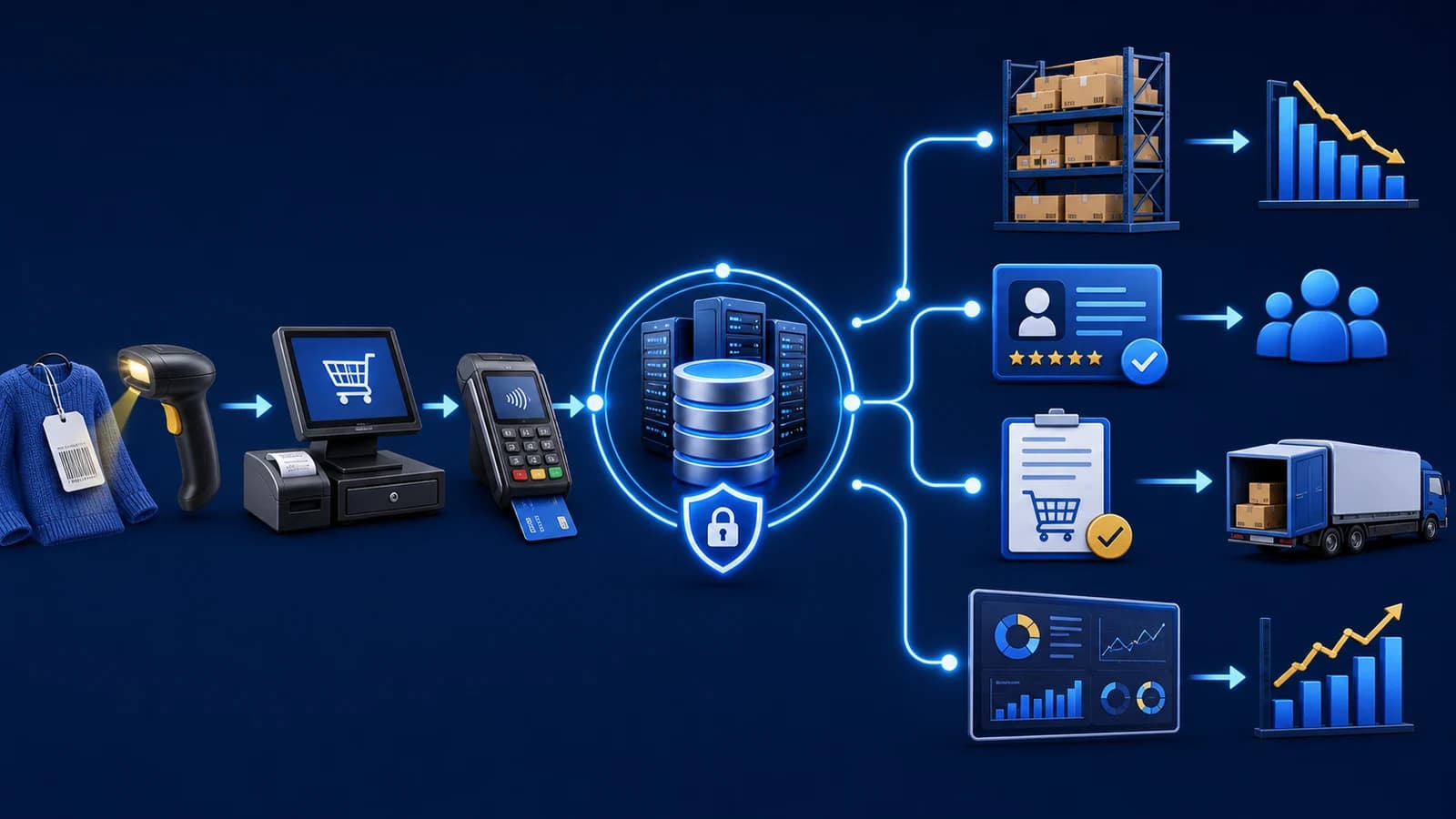
A reliable POS and ERP integration lets you trace a sale from the counter to its payment, inventory and central reports. Test a normal upload, an interrupted request, a repeated retry, a return and an offline reconnection, then verify that each business event has the intended effect once.
Define the transaction contract before connecting systems
Write down which application creates the sale, which reference identifies it and how payments, items, quantities, discounts and returns are represented. Agree the owner of item masters and prices. Two systems should not silently compete to maintain the same field.
Use an anonymized example to compare the source record and its accepted destination record. A business invoice number may need to remain searchable even when a separate technical identifier is used for synchronization. Decide which reference appears on receipts and support reports.
Test the uncertain request, not only the successful request
A connection can fail after the server accepts a transaction but before the counter receives confirmation. The counter then needs a safe way to retry or check the result. Repeating the same business event should not create a second sale or take stock twice.
Ask the implementation team to demonstrate that case and show how staff find a pending or failed item. Record a useful error and assign responsibility for resolution. An automatically retried queue still needs a visible status when an item cannot complete.
Separate local billing from centrally dependent functions
Offline-capable billing may continue using locally available records, while remote branch stock, shared credit limits or connected payment services depend on a central service. Identify the required behavior for each function and test it under the agreed deployment.
Offline design is implementation-specific. Microsoft’s Commerce documentation likewise describes synchronization verification and online-dependent features as separate concerns. This is a useful evaluation principle, not a claim that another product’s exact behavior applies to Keen ePOS.
Follow returns, payments and inventory as linked but distinct records
Test a partial return after the original sale has synchronized. Check the selected original line, returned quantity, stock treatment and the refund or account effect. The result should remain explainable from the sale and return records.
A mixed-payment sale and a later credit collection also deserve their own tests. The cash-drawer effect is not always the sales total. Compare the reports using agreed definitions so a timing or classification difference is not mistaken for missing money.
Hand the team a reconciliation path they can use
Choose a small batch of representative invoices and match the counter references to central sales, payments, quantities and balances. Include two branches if the deployment is multi-location. Record the last successful update and any outstanding work before day close.
Acceptance should show both the business result and how to investigate an exception. Include the support route, retry responsibility and rules for manual correction in the handover. This turns integration from a hidden background promise into an owned operating process.
Compare the decisions and the evidence
| Test | Expected business result | Inspect |
|---|---|---|
| Normal sale | One accepted sale with matching values | Reference, lines, payment and stock |
| Interrupted acknowledgement | Retry resolves the original event | No duplicate sale or stock deduction |
| Partial return | Only the agreed quantity is reversed | Original line, stock and refund/account record |
| Offline reconnect | Queued records reconcile in the central view | Pending errors, accepted references and totals |
Take it to your next discussion
Your preparation checklist
0 of 12 reviewed
Use this as a discussion checklist. Ticks are kept only while this page is open.
Download the blank checklistQuestions before the next step
Common planning questions
Does an online status mean every sale has synchronized?
Not necessarily. Connection status and the acceptance of each queued transaction are different checks. Inspect transaction-level pending, accepted and failed states where the implementation provides them.
What happens if a sale is uploaded twice?
The agreed integration should recognize a retry of the same business event and prevent duplicate effects. Ask the team to demonstrate the exact retry scenario rather than assuming it from the architecture description.
Can ERP stock be real-time while the counter is offline?
A central view cannot reflect an unsent offline transaction until communication resumes. Agree how timing and pending updates are displayed so staff understand the limits of the information.
What should we reconcile after a connection returns?
Match queued invoice references, accepted sales, payments, returns and stock movements. Investigate failures before treating central reports as complete for the affected period.
Supporting references
Microsoft’s product-specific guidance illustrates why synchronization verification and centrally dependent features must be considered separately. Test the agreed behavior of your own implementation. Microsoft: offline implementation considerations (opens a new tab)
Bring the operating problem
Let’s work through your actual requirements.
Tell us your business type, users, branches, current system and the task you want to improve. We’ll use that context to discuss the right next step.